
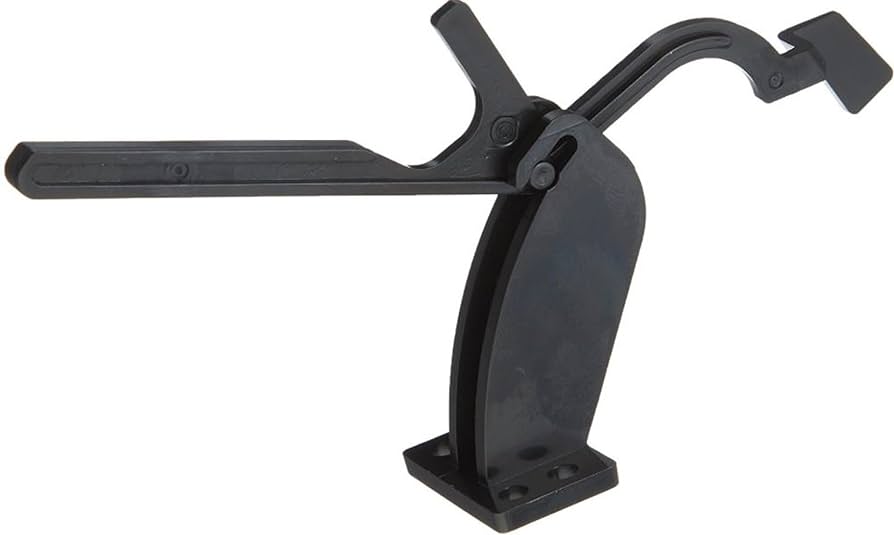
Lexmark MS510 MS610 MX310 MX410 Media Flag 40X8800
Replacement Printer Component
Lexmark Media Present Sensor Flag
Replacement media-detection flag for select Lexmark MS, MX, and XM monochrome laser printers.
Restore Reliable Media Detection
The Lexmark 40X8800 media-present sensor flag is a replacement component used within the printer’s paper-handling and media-detection system. As paper moves through the printer, the flag interacts with the sensing mechanism to help the device recognize the presence and movement of media.
A damaged, worn, broken, or sticking flag may contribute to false paper-jam messages, media-detection errors, unreliable paper pickup, or interruptions during printing. Replacing the affected component can help restore proper sensing when the media flag has been correctly diagnosed as the source of the problem.
Product Details
| Manufacturer | Lexmark |
| Part Number | 40X8800 |
| Product Type | Printer replacement component |
| Component | Media present sensor flag |
| Printer Function | Paper presence and media-path detection |
Compatible Lexmark Printers
Compatible models include:
Symptoms a Damaged Media Flag May Cause
- False or recurring paper-jam notifications
- Printer fails to recognize that paper is present
- Paper pickup or feeding interruptions
- Input-sensor timing or media-path errors
- Visible damage, sticking, or restricted movement of the existing flag
These symptoms may also be caused by other components. Proper diagnosis is recommended before ordering.
Installation Information
Installation may require access to internal printer components. The printer should be powered off, disconnected from electrical power, and allowed to cool before service begins.
Professional installation is recommended if you are unfamiliar with printer disassembly, media sensors, or paper-handling components.
Please Confirm Compatibility Before Ordering
Match part number 40X8800 with the number required for your printer and confirm the complete model designation shown on the device. Printer models within the same product family may use different components depending on their configuration.
Couldn't load pickup availability
Pickup available at WAREHOUSE
Usually ready in 5+ daysPairs well with
In stock! Ships within 5-7 business days.
100% Tested prior to shipment
Warranty Included (1 Year, 2 Year, and 3 Year Extensions available on all Printers)
Lifetime technical support
Lexmark MS510 MS610 MX310 MX410 Media Flag 40X8800
Please visit our FAQs page or email Sales@theprinterdepo.com with any questions you may have.
-
Shipping Information
Most orders ship within 48 hours of receipt.
-
Customer Support
Please reach out to us via email or chat box Monday-Friday 8AM-5PM CST.
-
FAQ’s
Please click "Quick Links" at the bottom of the page & open "FAQ's" for more information.
-
Technical Support
All of our products include lifetime technical support via email.
FAQs
Please read our FAQs page to find out more.
How much is shipping?
- Shipping is free on all items below 65lbs
- If you are purchasing in bulk & the total weight exceeds 65lbs then please reach out to us through the chat box or email sales@theprinterdepo.com for a custom quote.
- If the item exceeds 65lbs then you may be subject to freight charges.
Do you charge sales tax?
- We do not collect sales tax outside of the state of Texas. Therefore, you do not need to provide any proof of exemption unless your shipping/billing address is in Texas.
- If you are located in Texas & would like your account to be tax exempt then you must email Sales@theprinterdepo.com your Texas resale certificate or proof of exemption.
Do you offer "Blind Drop Shipping"?
- Yes, we offer "Blind Drop Shipping" & "Private labeling".
- Please email Sales@theprinterdepo.com for more details.
Do you offer any discounts?
- Yes, please sign up for our weekly newsletter for upcoming sales, discount codes, and product announcements.
- Wholesalers should email sales@theprinterdepo.com for a custom quote.
Do you accept "Purchase Orders"?
- Yes, please send your PO's to sales@theprinterdepo.com
- Credit card or Net 30 application must be on file in order for your purchase order to be processed.